

Take cards anywhere your business goes.
Service pros, food trucks, market vendors, mobile detailing, popups, farmers’ markets. Arca gives you the lowest-cost way to start accepting cards — and a path to grow without changing processors.
- Tap to Pay on iPhone — no hardware at all
- Clover Go — pocket reader pairs with phone
- Clover Flex when you’re ready for a full POS in your hand
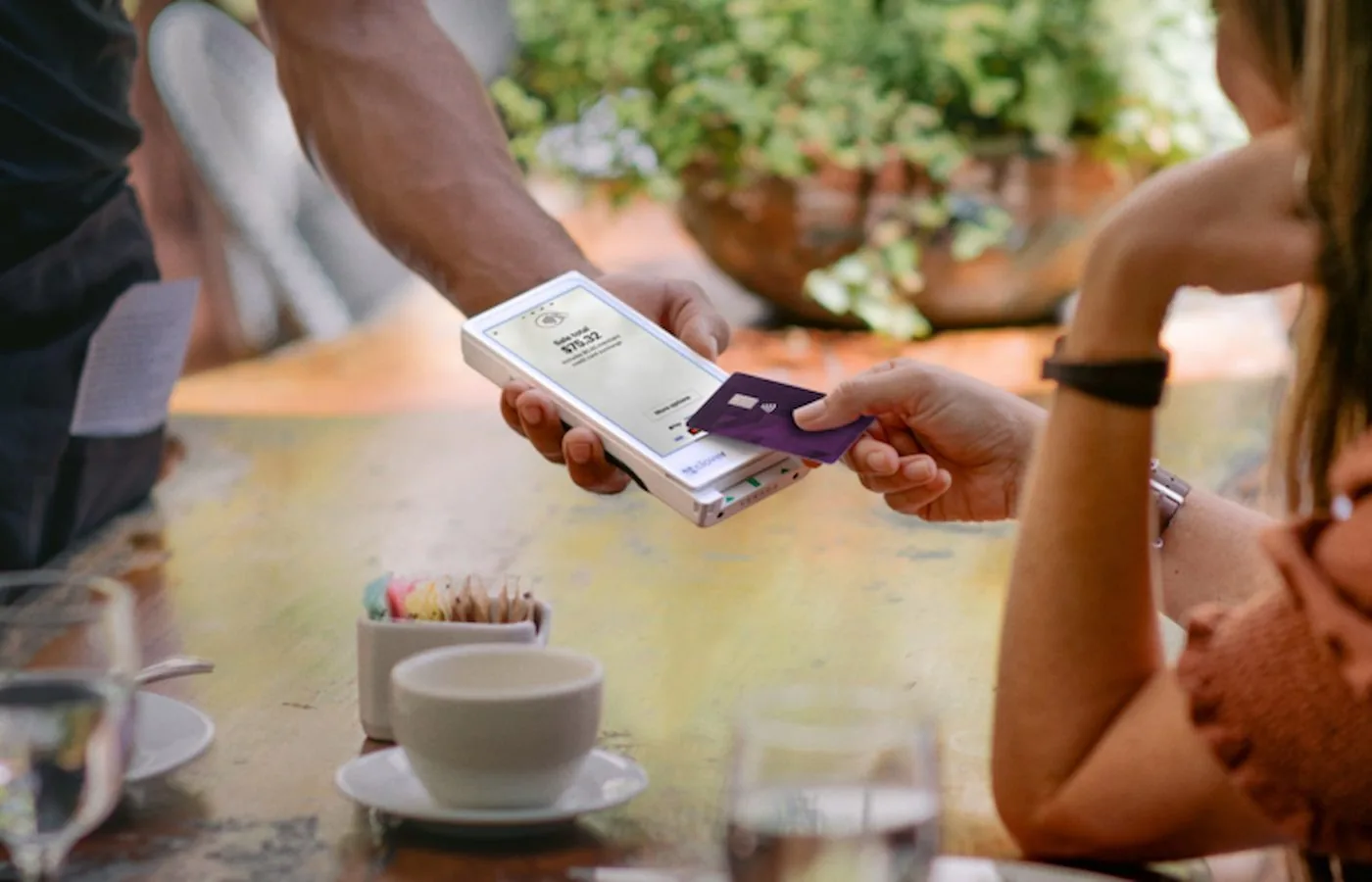
The mobile problems that actually matter.
No counter, no problem
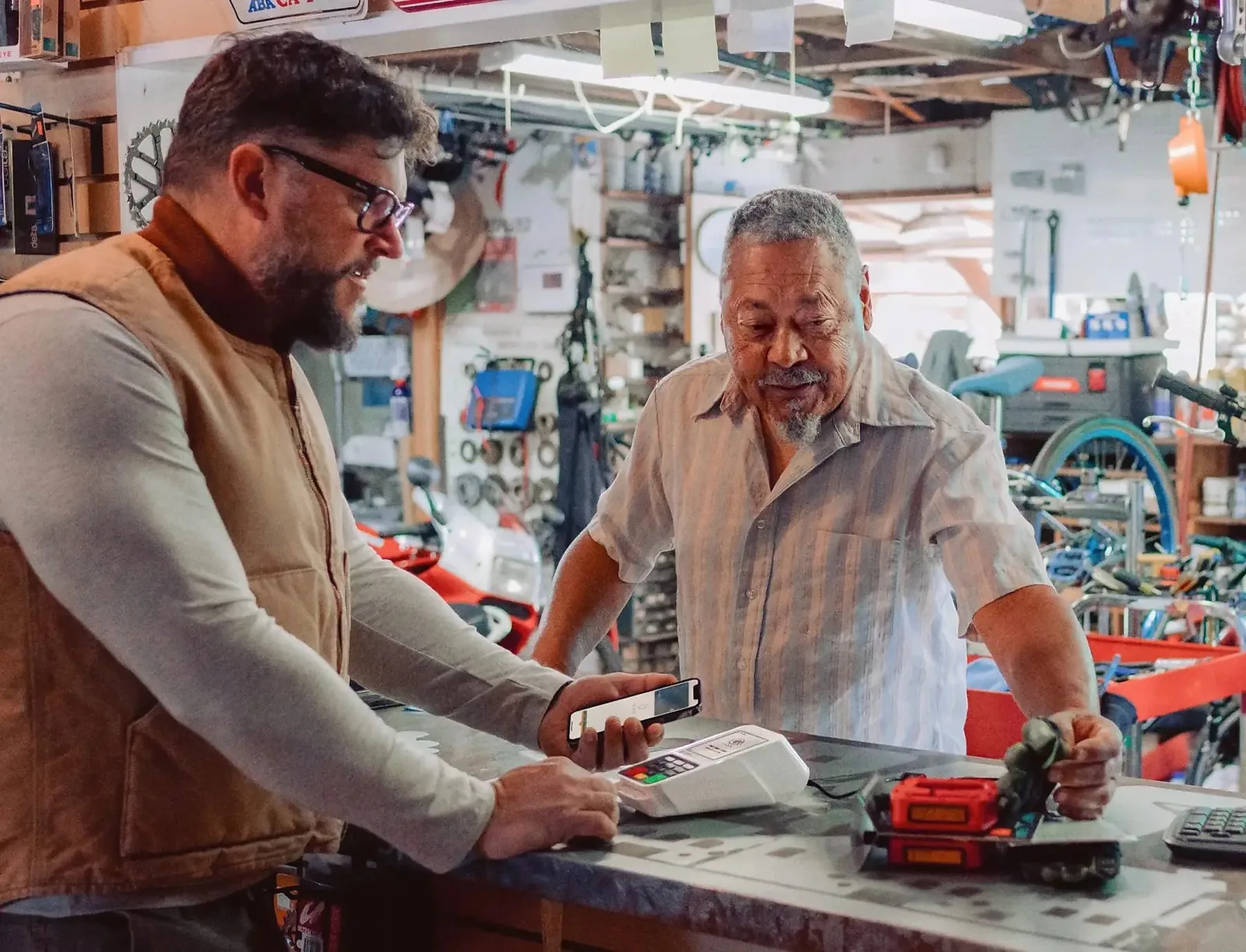
Tap to Pay on iPhone turns your phone into a card reader. No second device, no separate charger, no Bluetooth pairing dance.
When you need printed receipts
Clover Flex prints receipts, scans barcodes, and works on 4G when there’s no Wi-Fi. Same Clover OS as the counter devices — same apps, same dashboard.
Connectivity in unreliable places
Flex falls back from Wi-Fi to 4G automatically. Go works on whatever connection your phone has. No more retrying transactions mid-event.
Quick setup
For service businesses with a small ticket volume, Tap to Pay can often be live the same day and most accounts are processing within about 48 hours — subject to underwriting and approval.
Tip prompt without a counter
Tap to Pay shows a tip screen on your phone. Customers tap their preferred percentage, then tap their card. Tips are baked into the same payout.
Receipts by text or email
No paper, no thermal printer to refill. Customers usually prefer it — and your receipt goes into their inbox where they can find it later.
The right device for mobile.
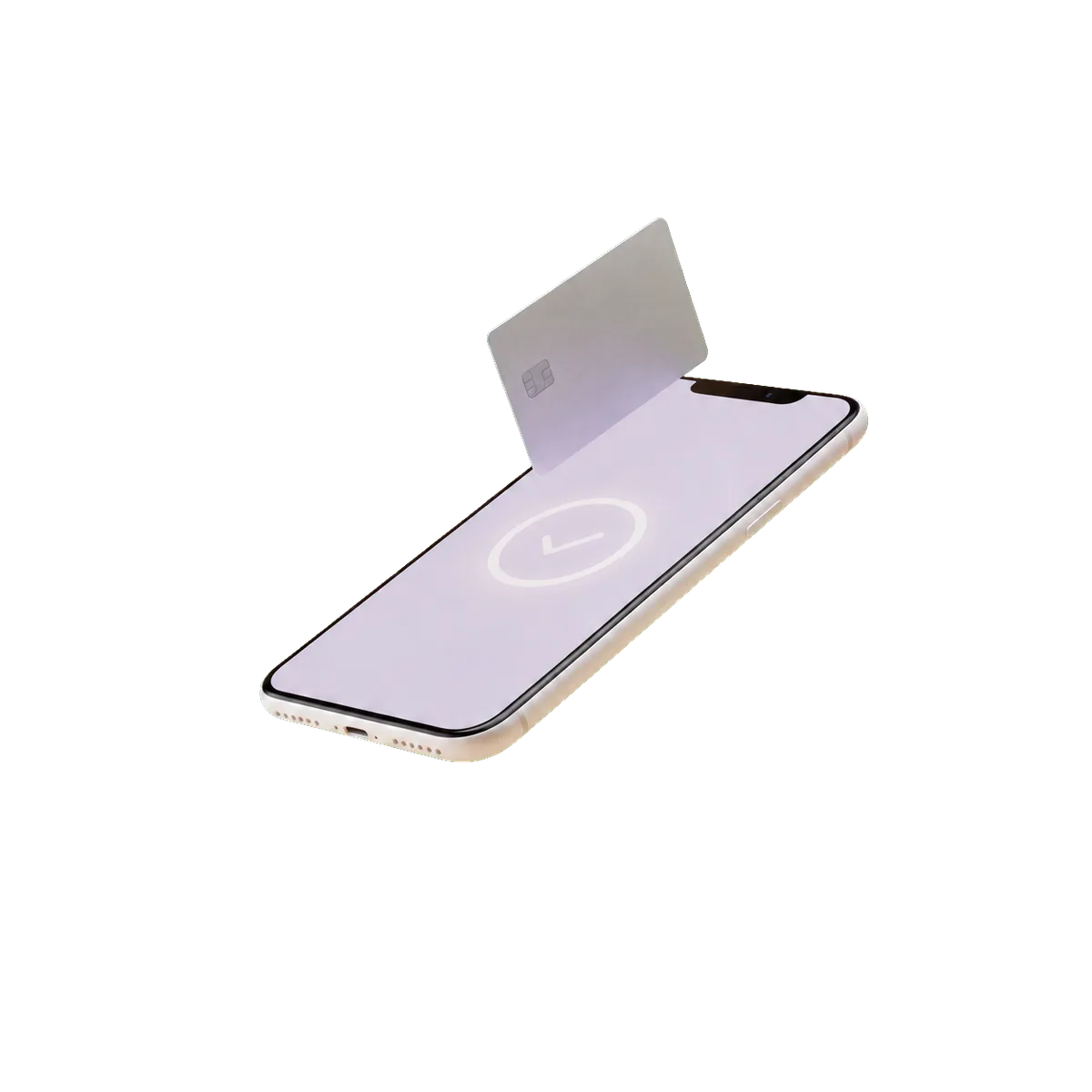
Tap to Pay on iPhone
Why: Lowest-cost entry — works on your existing iPhone, no extra hardware.
See product details →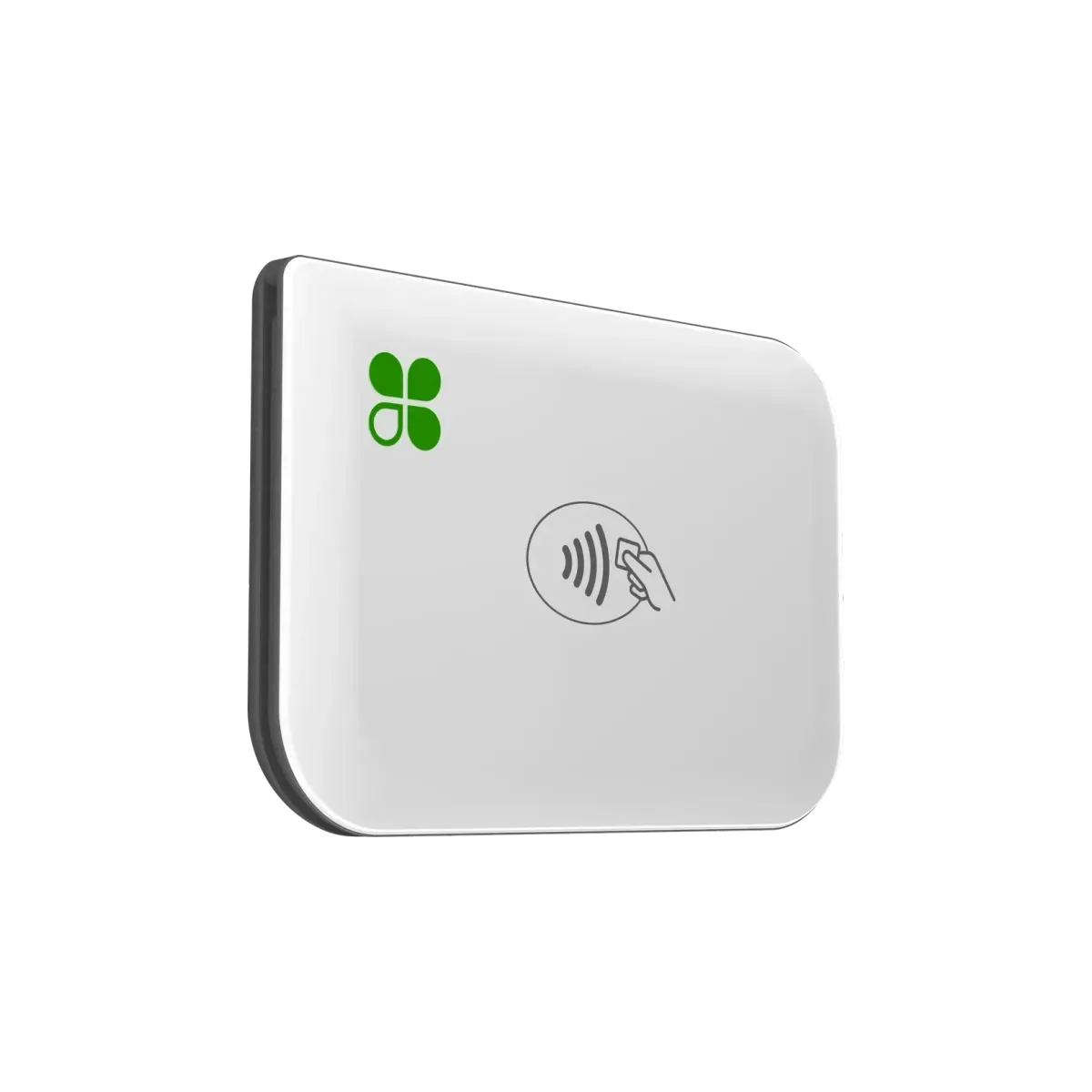
Clover Go
Why: When you need a dedicated reader (better for chip cards or Android).
See product details →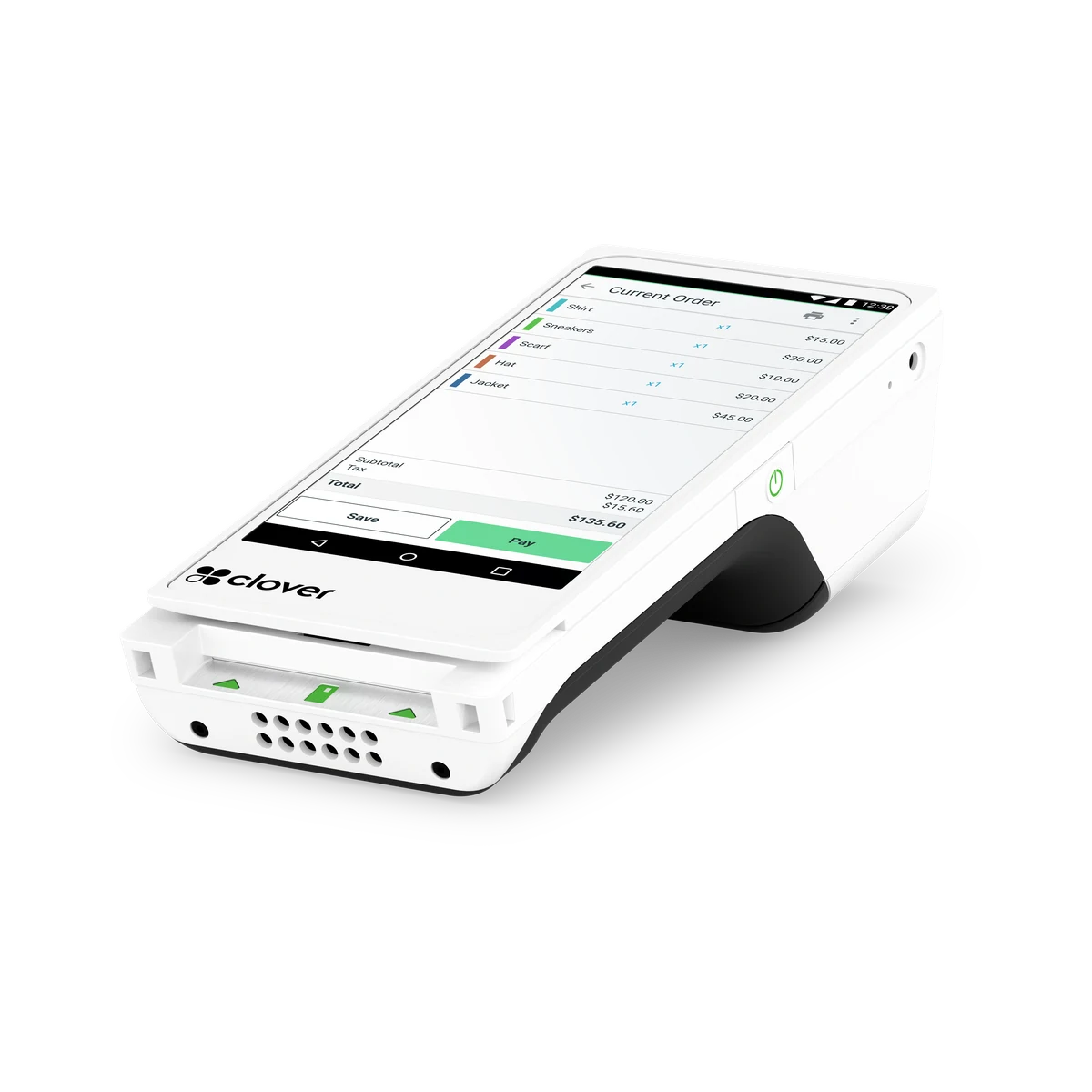
Clover Flex
Why: For higher volume or when you need a built-in printer and barcode scanner.
See product details →Starter or Services Growth
Sell-and-go (markets, popups, food trucks) runs on Starter with Tap to Pay, Clover Go, or Flex. Service pros who quote and collect use Essentials or Services Growth — estimates, invoicing, card-on-file, and appointments with no-show fees.
The ones we install on day one.
From the Clover App Market. Configured during onboarding — you’re running on day one, not week three.



Mobile considerations.
-
Receipt expectations vary
Farmers’ market customers often skip receipts; B2B customers expect them by email. We configure the prompt to match how your customers actually want to be served.
-
No internet, no transaction (mostly)
Tap to Pay and Go need a connection through the paired phone. Flex falls back to 4G. We’ll match the device to the connectivity in the places you actually work.
-
Path to a full POS
If your mobile business grows into a brick-and-mortar location, your Arca account upgrades cleanly to Station or Mini at the new counter. Same MID, same rates.
From mobile merchants.
? Tap to Pay or Clover Go — which is cheaper?
? What happens to receipts if I lose internet mid-event?
? Can I take payment by invoice afterward?
Same backbone, different stack.
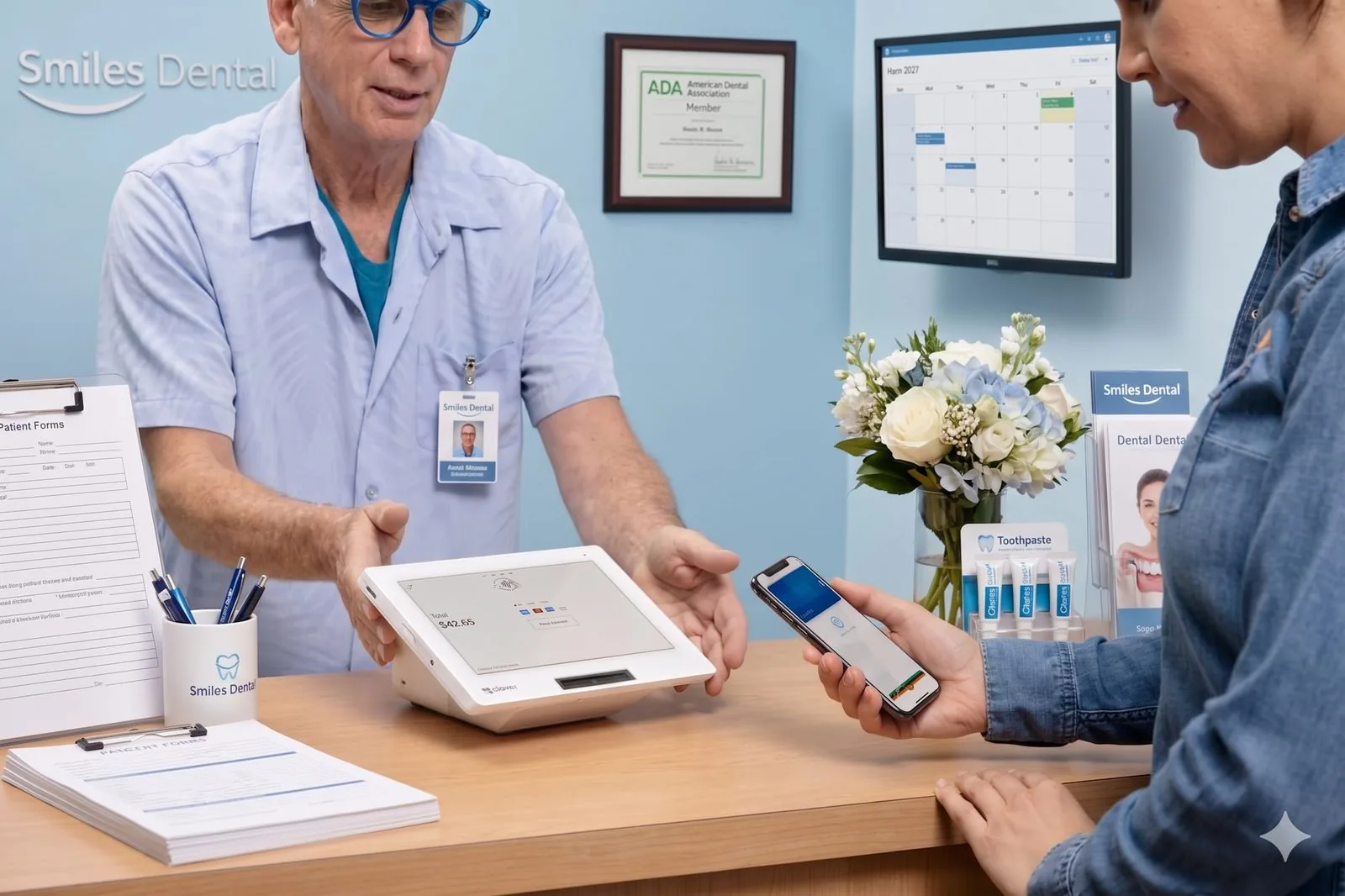
Dental practices
Treatment plans, membership billing, and chairside collection that move.
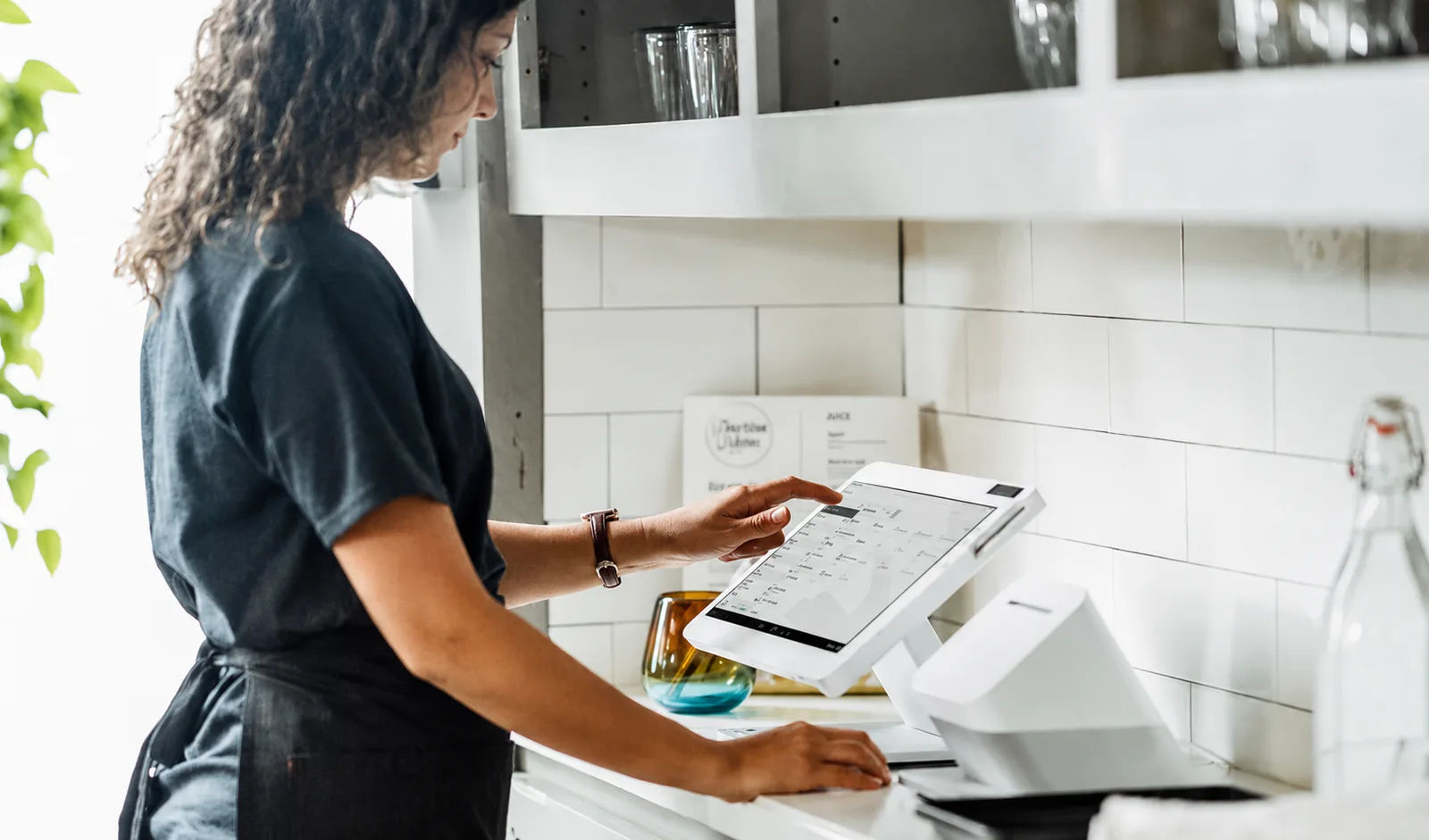
Full-service restaurants
Tableside, course firing, and tip flows that actually work.
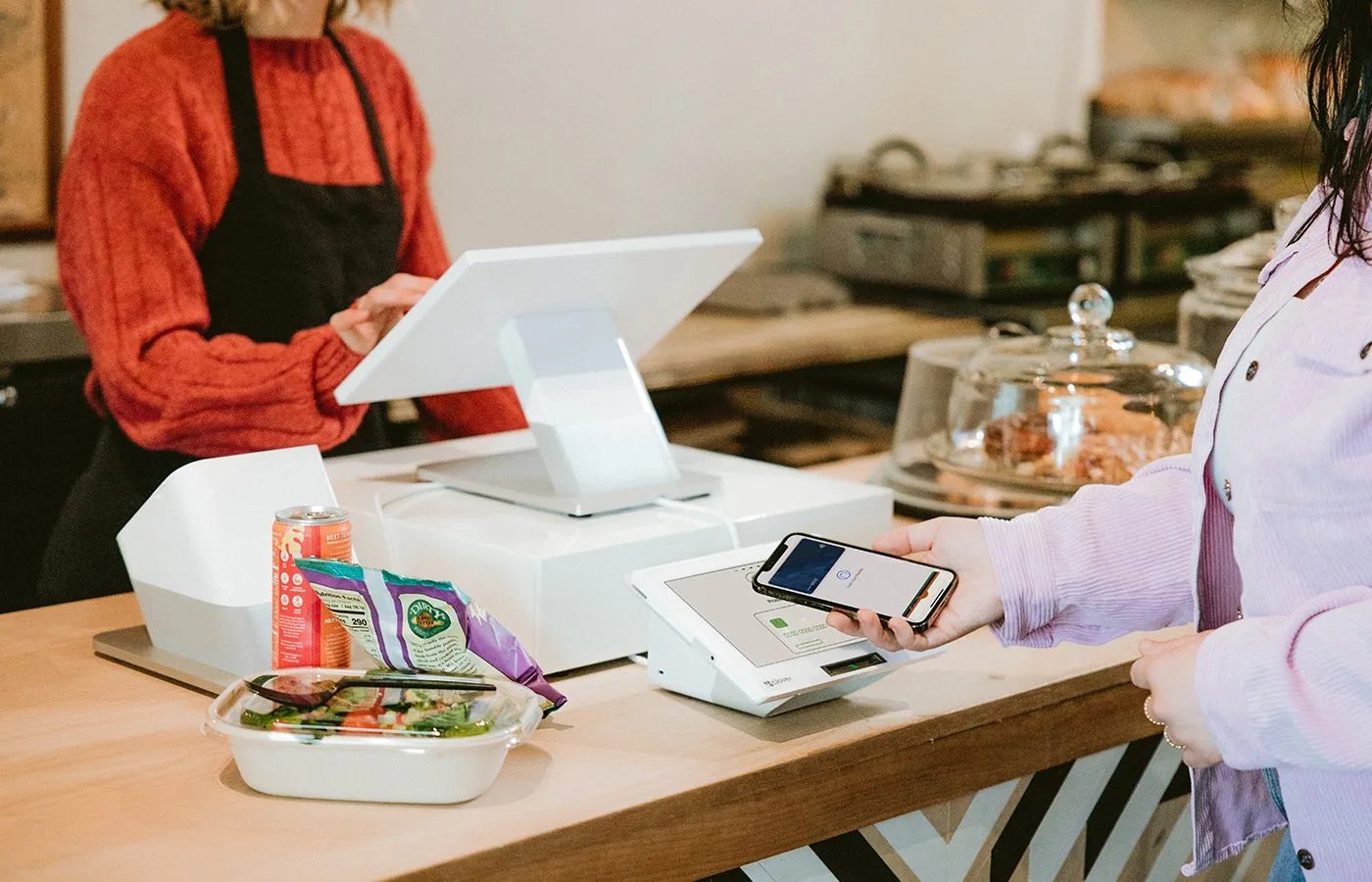
Counter-service & QSR
Fast lines, clean tickets, real online ordering.
Retail & boutique
Inventory by SKU, loyalty that earns repeat trips, gift cards that sell.
E-commerce & invoicing
Hosted checkout, payment links, recurring billing.
Get a quote tuned for your mobile setup.
Pricing built for your card mix, with the right device and the right apps configured before you go live.