

Accept contactless payments with just an iPhone.
No reader, no dongle. With Tap to Pay on iPhone, your iPhone XS or newer becomes the card terminal. Customers tap their card or phone, you’re paid.
- iPhone XS or newer, iOS 16+
- Accept contactless cards, Apple Pay, Google Pay
- No added hardware — start today
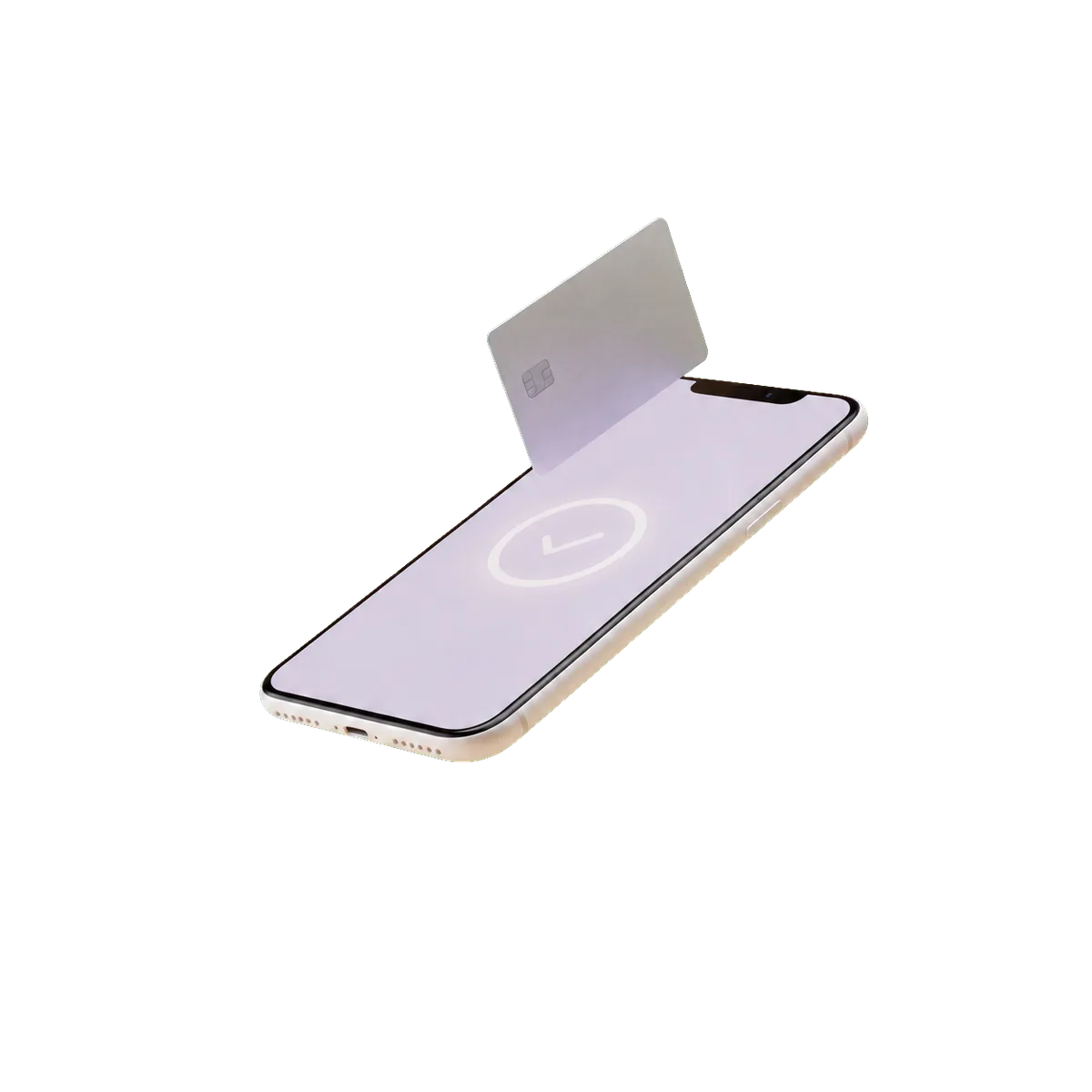
Where Tap to Pay fits.
iPhone service pros, and as a backup at the counter. Android users should use the Clover Go reader instead.
Tap to Pay in six bullets.
No added hardware
No reader to buy, lose, or charge. The NFC chip in your iPhone reads contactless cards directly.
Same rates, same account
Your Arca pricing applies. Tap to Pay transactions show up in the same dashboard as in-person and online.
Service-friendly
For mobile pros — stylists, home services, consultants — Tap to Pay turns your phone into the only “device” you carry.
Receipts by text or email
Send a receipt as soon as the transaction completes. No printer needed.
Backup for retail
Even shops with a Station can keep Tap to Pay on an iPhone as a backup for big lines or when the main POS is down.
Tip prompt built in
Customers can add a tip on your phone screen — same flow as a card terminal.
Tap to Pay specs.
- Requirements
- iPhone XS or newer · iOS 16+
- Payment methods
- Contactless cards, Apple Pay, Google Pay, Samsung Pay
- Setup time
- Same day
- Hardware
- No added hardware — use your existing iPhone
- Software
- Tap to Pay through Arca-provisioned merchant account
- Connectivity
- Your phone’s cellular or Wi-Fi
Industries that pick Tap to Pay most.
200+ apps install onto Tap to Pay.
Online ordering, loyalty, scheduling, accounting sync, delivery aggregation, payroll — all install onto the same device with two taps. Clover bills App Market apps separately from your Arca processing.
Browse the app market →About Tap to Pay.
? Does it work on Android too?
? Is there a limit on transaction size?
? How is this different from Apple Pay?
Same account, more ways to take a payment.
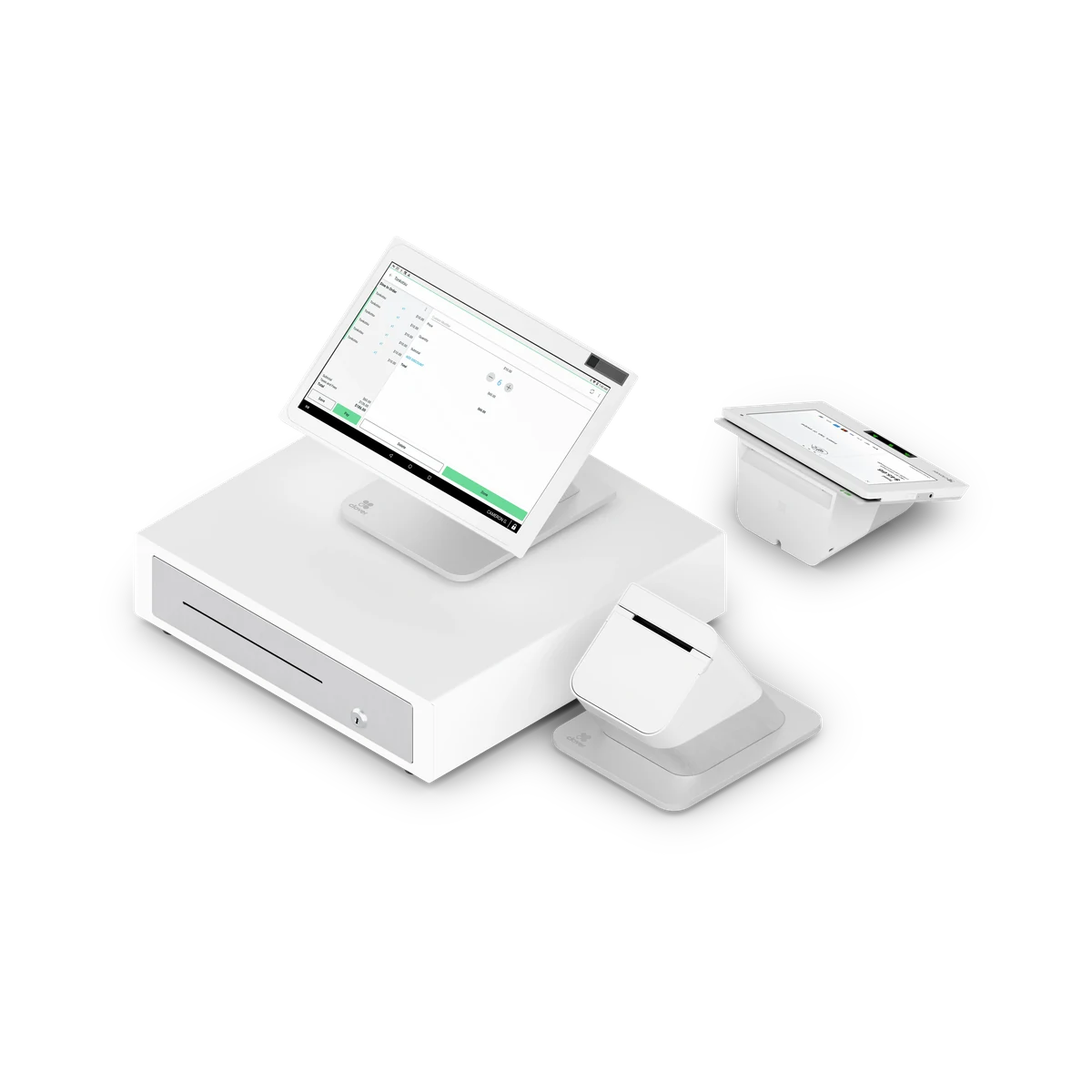
Clover Station Duo
Full counter system with a customer-facing screen.
Learn more →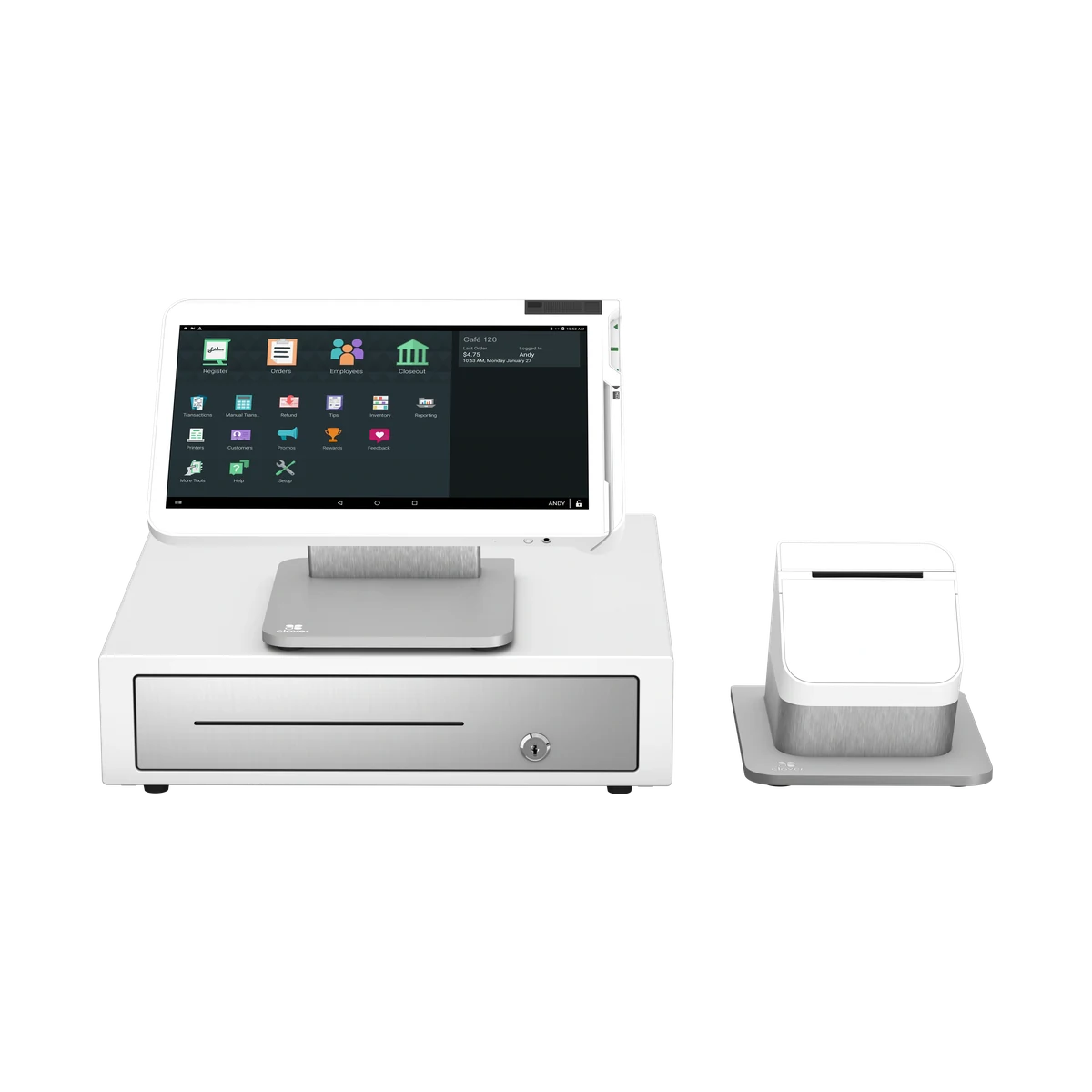
Clover Station Solo
The full Station counter system on a single screen.
Learn more →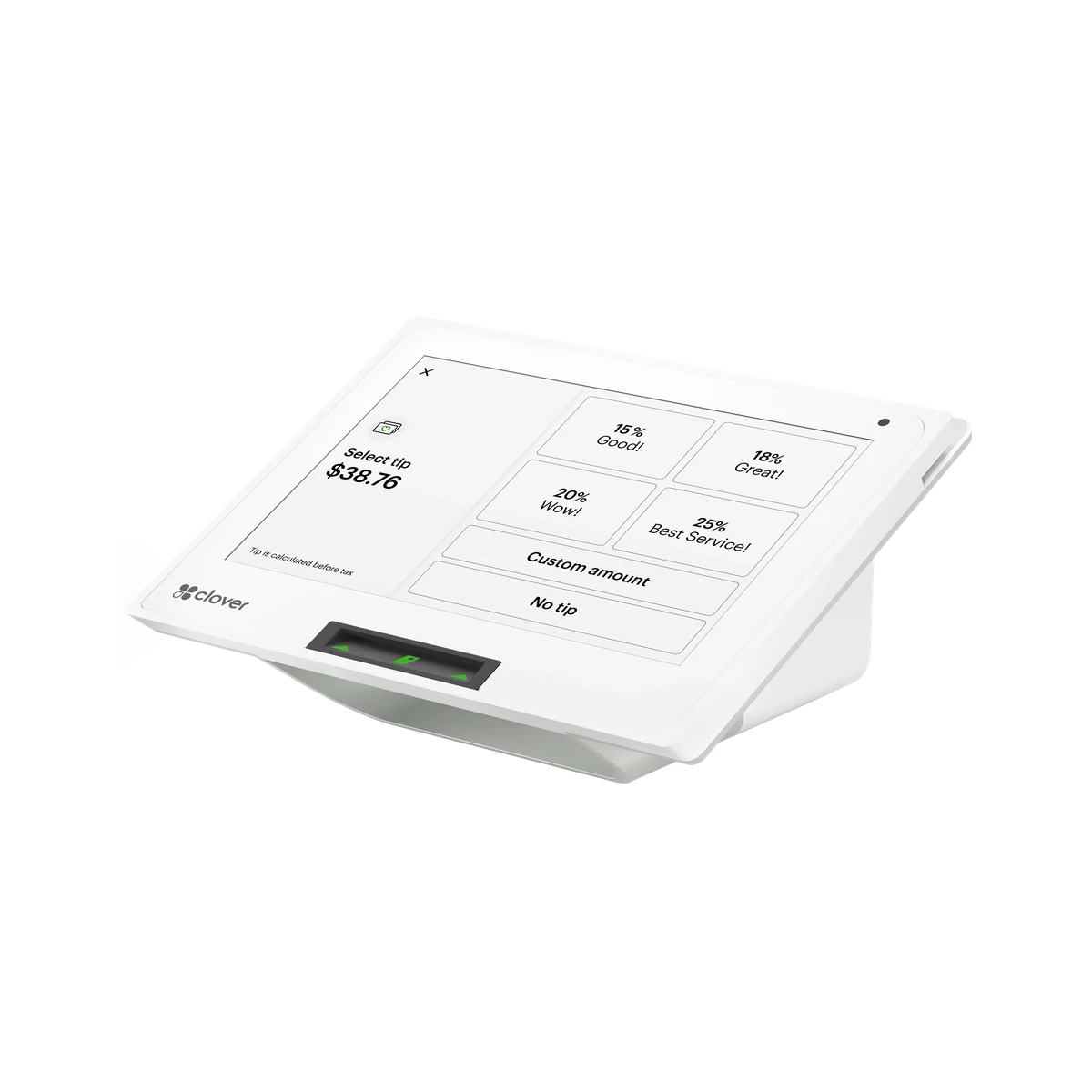
Clover Mini
Compact countertop POS that does it all.
Learn more →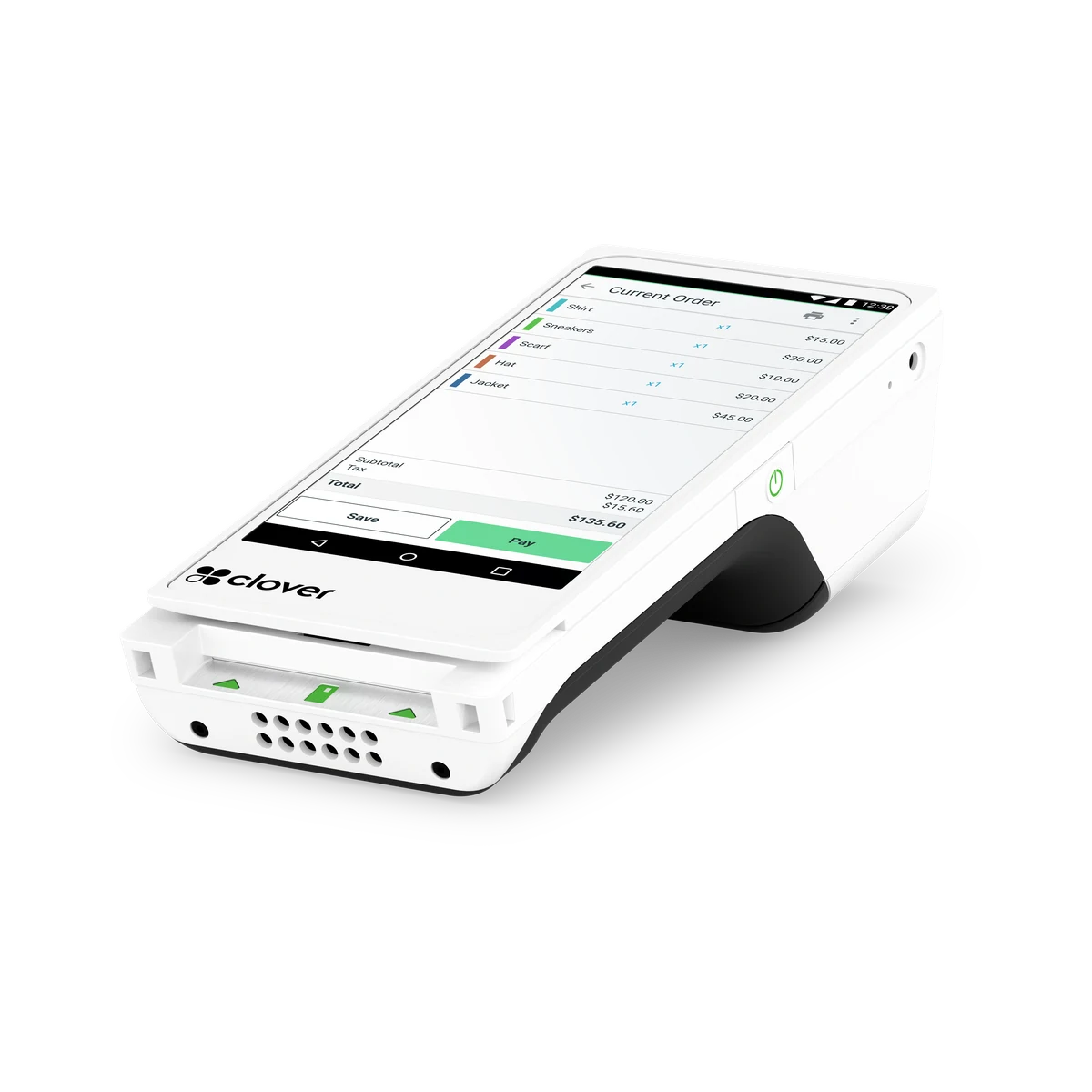
Clover Flex
Handheld for tableside, line-busting, and curbside.
Learn more →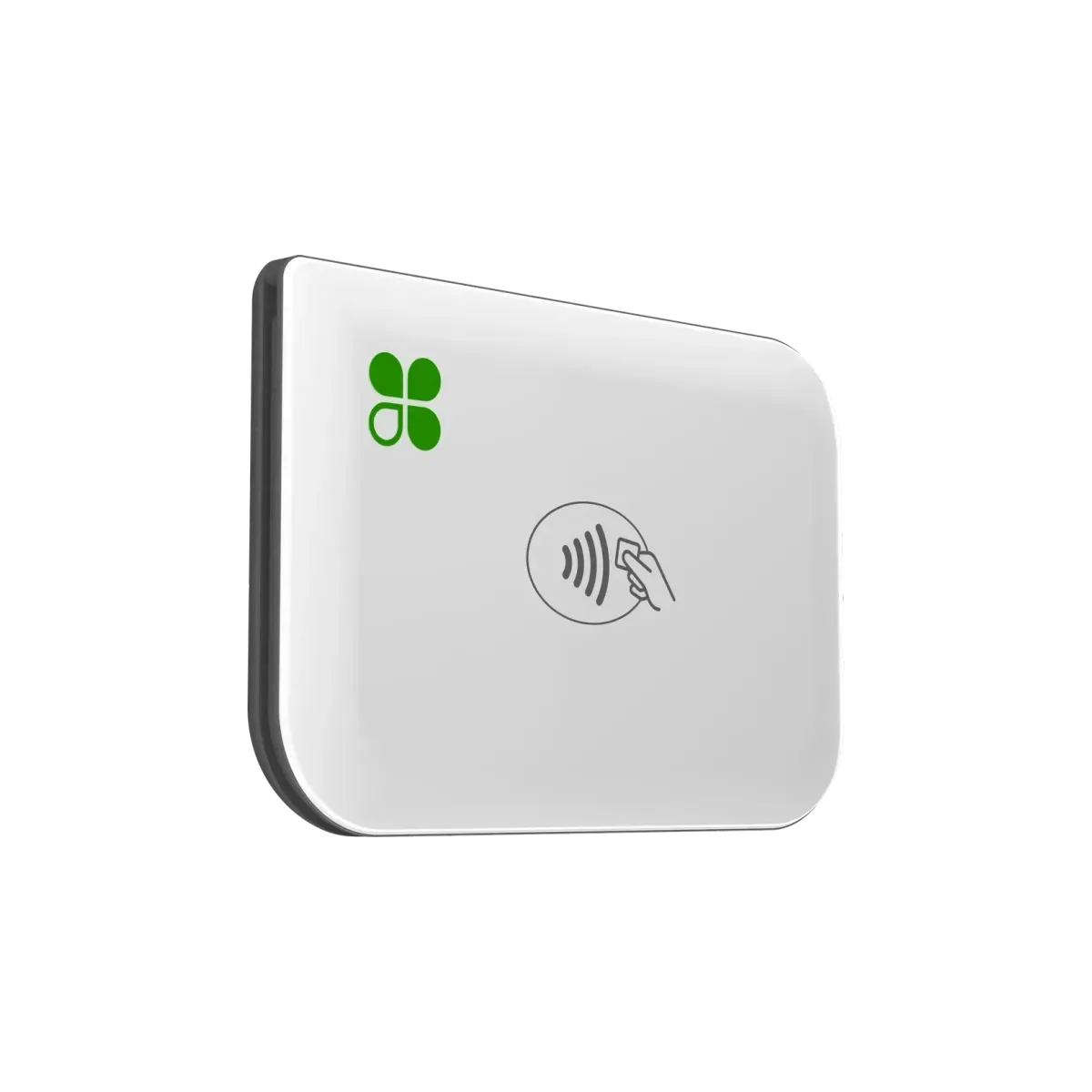
Clover Go
Pocket-sized reader paired with your phone.
Learn more →
Online & Invoicing
Hosted checkout, payment links, and recurring billing.
Learn more →Get a written proposal for Tap to Pay in under ten minutes.
Your program and rate, a transparent fee list, and any hardware financing — on Arca letterhead, before you decide.